From food photos shared by your friends to photographic works by your favorite creators or amazing travel albums, you can download everything without complications.
Download photo from Instagram – 3 steps
Step 1: Install Snaptube
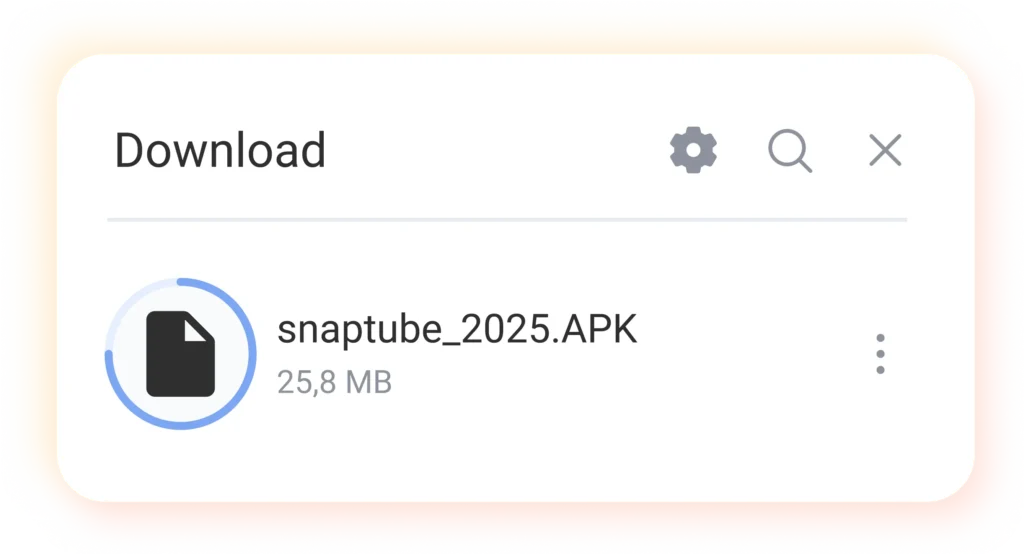
Tap the download button on the page to get the APK file, then tap the APK file to install Snaptube on your phone.
If you see the message “Allow unknown sources” during installation, select “Continue” or “Allow”. This simply authorizes the browser to install the application; it is completely safe.
Step 2: Download photos from IG
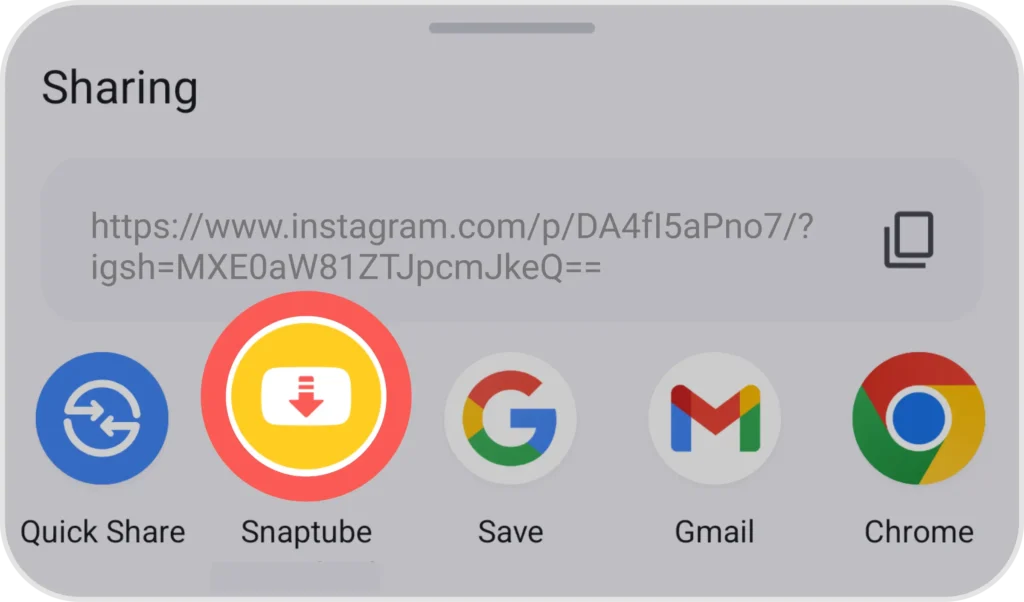
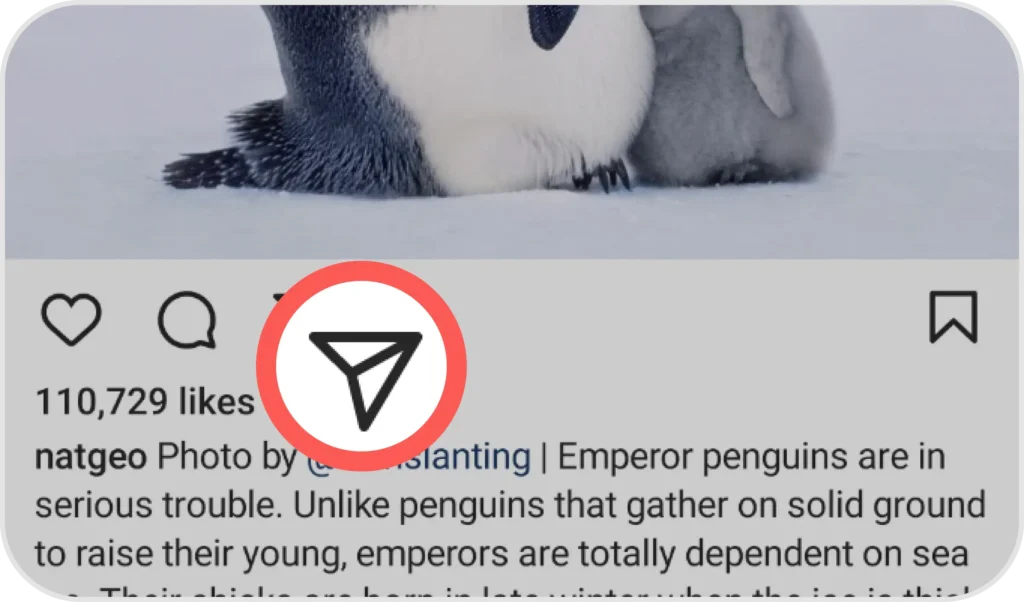
Open Instagram, find the image you want to download, tap the “Share” button (paper airplane icon), then tap “Share link” in the options and select “Snaptube”
Step 3: Download complete
In a matter of seconds, Snaptube will save the image to your phone. During the download, you can continue using Instagram or other apps as normal.