Snaptube Install
Once you have downloaded the APK file, launch it, and complete the installation of Snaptube app by following the steps below:
Step 1. Find the Downloaded APK
1. Click on the popup which appears in your browser when the download finishes
2. Find it in the “downloads” of your browser
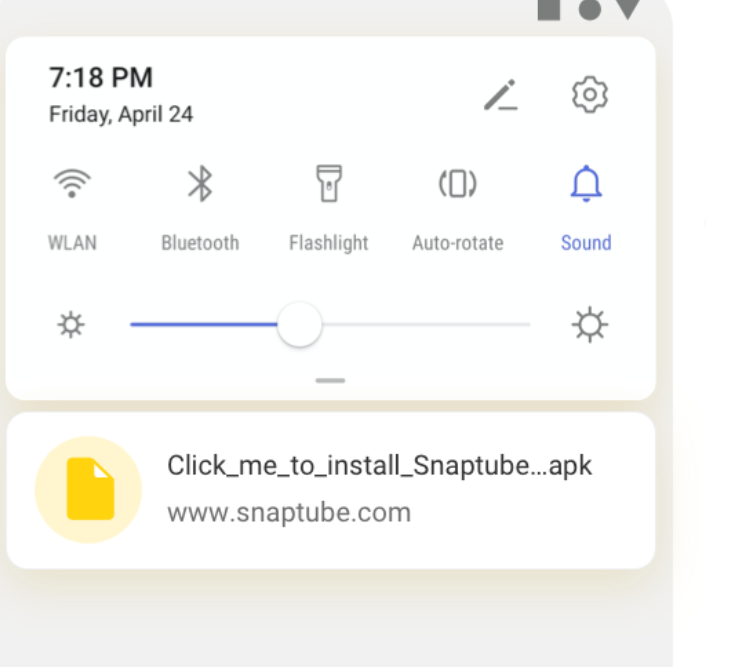
3. Find it in the notification bar of your phone
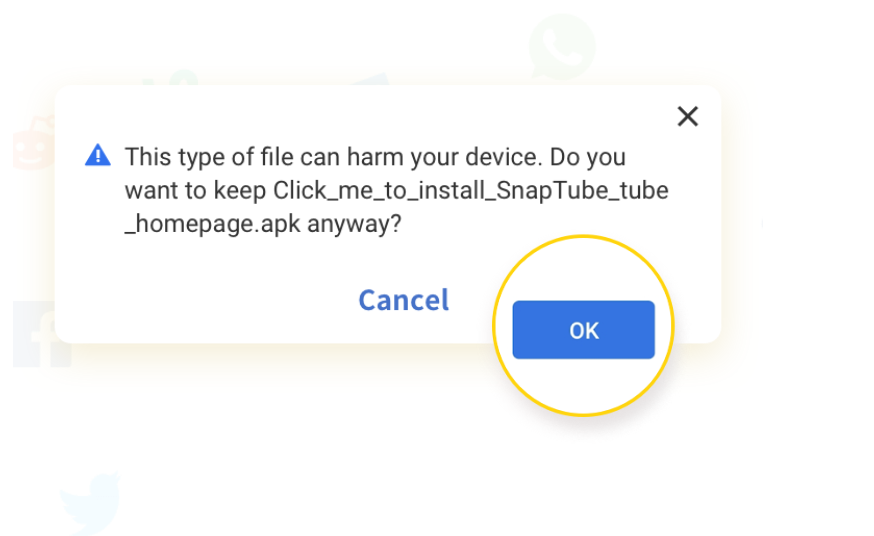
Step 2. If the popup below appears in your browser, click “OK”. Snaptube is safe for your mobile.
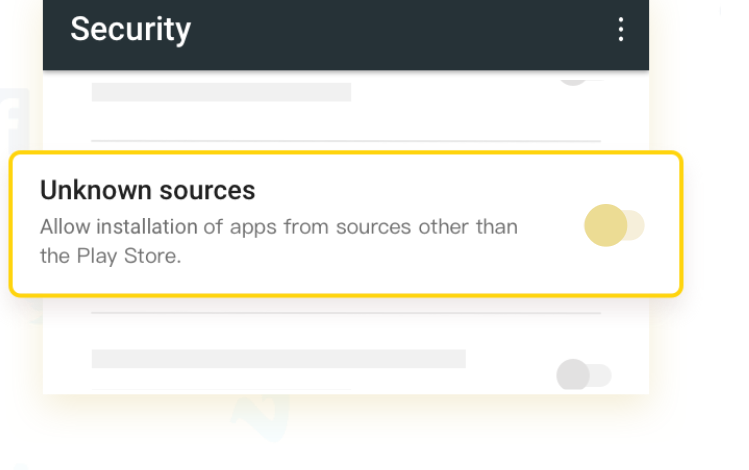
Step 3. During the Snaptube app install process, you may need to go to your device’s “Settings” and turn on “Unknown Sources”.