
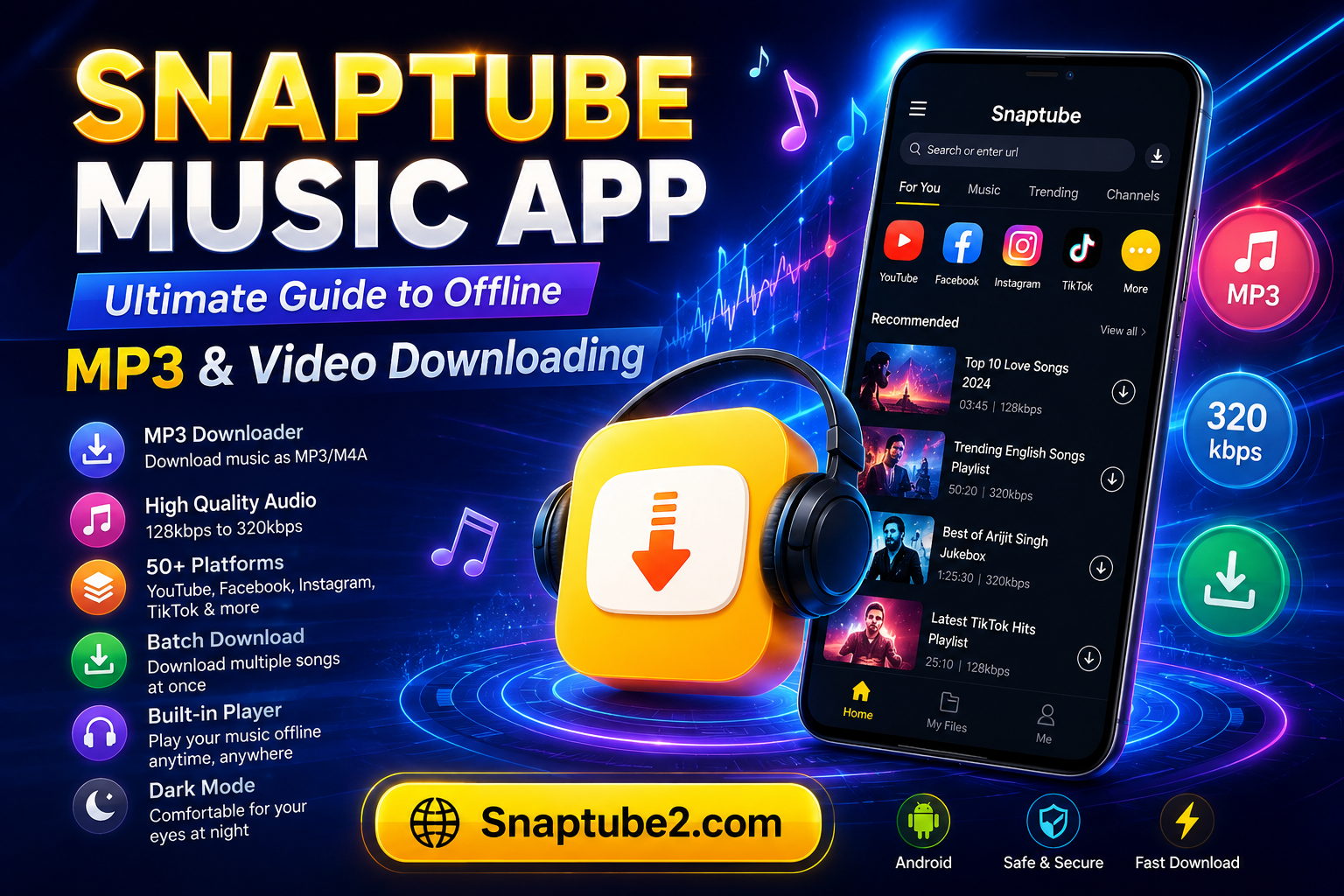
In today’s digital era, streaming music and videos online has become the norm. However, issues like unstable internet connections, data limits, and annoying ads often ruin the experience. If you are looking for a reliable way to save your favorite tracks directly to your phone, the Snaptube music app stands out as an excellent, all-in-one solution for Android users.
Here is everything you need to know about Snaptube, its standout features, and how you can use it to build your ultimate offline music library.
What is the Snaptube Music App?
Snaptube is a free, highly popular Android application designed to stream and download multimedia content. While many know it as a video downloader, it doubles as a powerful music app and MP3 converter. It allows users to search for music or music videos across more than 50 major social media and streaming platforms—including YouTube, Facebook, Instagram, and TikTok—and download them as high-quality audio files.
Key Features of the Snaptube Music App
Snaptube has gained millions of users worldwide thanks to its versatile and user-friendly features:
- Direct Video-to-MP3 Conversion: You don’t need a separate audio extractor. When you find a music video, Snaptube gives you the option to download it directly as an MP3 or M4A audio file.
- Multiple Audio & Video Qualities: Whether you want to save storage space or enjoy high-fidelity sound, Snaptube gives you choices. For audio, you can download qualities ranging from standard 128kbps to high-quality 320kbps MP3s.
- Multi-Platform Integration: Instead of switching between different apps, you can browse all major social media platforms right inside Snaptube’s built-in browser.
- Batch Downloading: If you want to save a whole music album or a custom playlist, Snaptube lets you select multiple tracks and download them simultaneously, saving you precious time.
- Built-in Media Player: The app features an integrated audio and video player, meaning you can organize and play your downloaded music offline without needing an external app.
- Eye-Friendly Dark Mode: For late-night music browsing, Snaptube offers a sleek dark theme to minimize eye strain.
Why Isn’t Snaptube on the Google Play Store?
If you search for the Snaptube music app on the Google Play Store, you will likely only find fake clones. The real Snaptube app is not allowed on the Play Store because Google’s terms of service strictly prohibit apps that download videos or audio from YouTube due to copyright protection rules.
However, this does not mean the app is unsafe. The official APK file is secure, provided you download it from legitimate sources.
How to Download and Install Snaptube Safely
Since it is a third-party app, you will need to install it manually using an APK file. Follow these simple steps:
- Visit the Official Source: Go to the official Snaptube website or trusted app repositories like Uptodown.
- Download the APK: Tap on the download button to save the latest version of the Snaptube APK to your device.
- Change Security Settings: Before installing, open your Android phone’s Settings > Security (or Privacy) and toggle on “Install Apps from Unknown Sources”.
- Install and Launch: Locate the downloaded file in your file manager, tap it to install, and open the app to start downloading your music.
Conclusion
The Snaptube music app is a game-changer for music lovers who prefer offline playback without paying for premium streaming subscriptions. Its seamless video-to-MP3 conversion, batch download capability, and support for over 50 platforms make it an incredibly efficient tool. As long as you download the app from its official website, it serves as a highly reliable companion for creating a personalized, high-quality music library on your Android device.