Snaptube Instagram Downloader
100% free, supports downloading videos, photos, stories, and IGTV in multiple formats with no limitations.
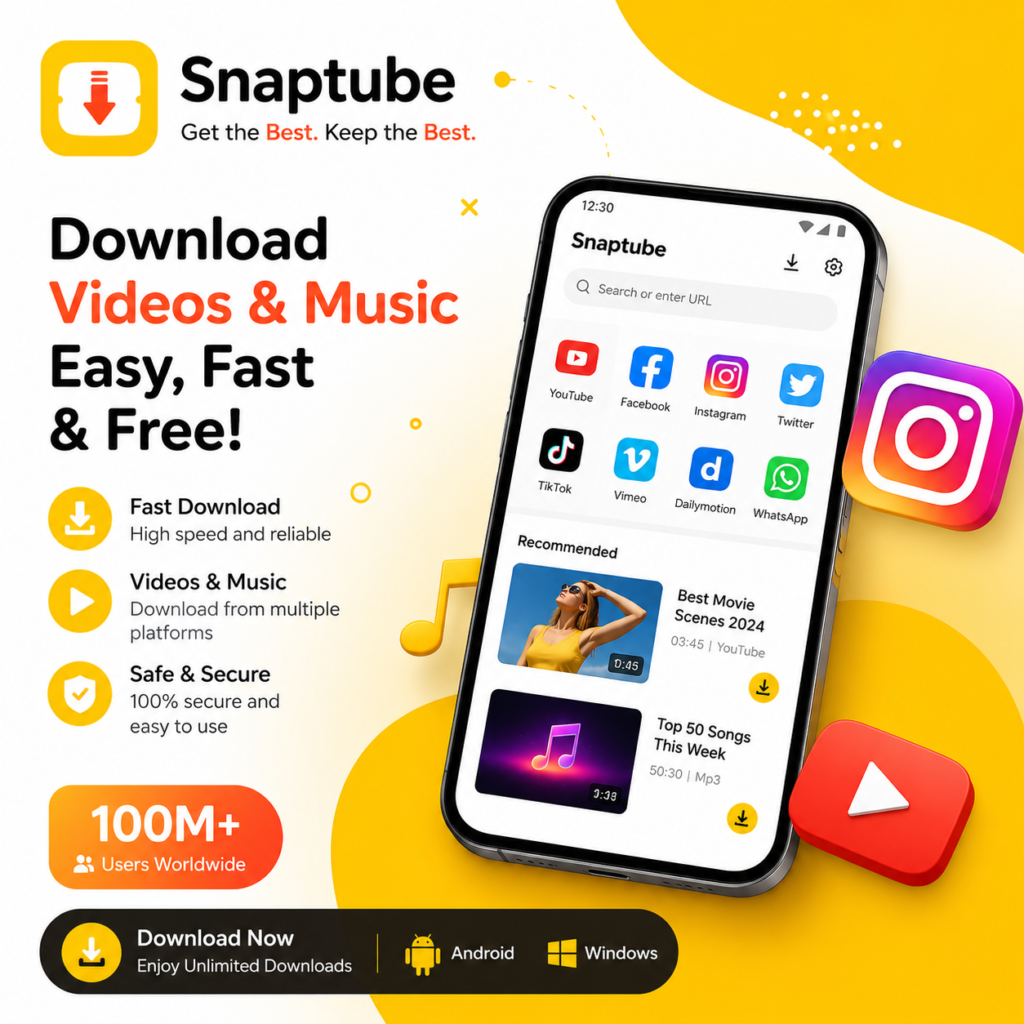
Snaptube Instagram Video Download: Simple Steps.
Step 1: Install Snaptube
Tap the download button to get the APK file and install the app.
Step 2: Open Instagram & Tap “Share” > “More”
Find your favorite video, post, or photo, tap “Share,” then select “More.”
Step 3: Select “Snaptube Download” & Save
Scroll down the share list, tap “Snaptube Download,” choose your format, and hit “Download.” Your content is now saved!
💡 Tip: All installation files are virus-checked, with no data collection. 100% safe to use!
Download Any Instagram Content with Ease
Designed for Instagram users, it enables one-click downloads of videos, stories, photos, reels, audio, profiles, and posts.
✔ Multiple formats – Save videos, music, and images in high quality.
✔ Dynamic content – Download posts, stories, and live replays.
✔ Long videos – Store IGTV content over 1 hour long.
✔ Batch downloads – Save multiple posts from any profile at once.
Snaptube Instagram Story Download: Why Choose it?
100% Free: No subscriptions, no hidden fees—unlimited downloads!
Lightning-Fast Speeds: Advanced technology boosts download speed by 300%.
High-Quality Options: Choose from 144p to 4K resolutions based on your device.
Privacy Protection: All downloads are stored locally—no cloud tracking.
Constant Updates: Monthly improvements for the best user experience.
Smart File Management: Automatic categorization and custom storage paths.
Background Downloads: Keep downloading while using other apps!
FAQs – Instagram Snaptube Downloader
❓ Why did my download fail?
✔ Check your internet connection.✔ Ensure the original content hasn’t been deleted.✔ Update to the latest version of Snaptube.
❓ Can I download content from private accounts?
No, Snaptube only supports downloading from public accounts to respect user privacy.
❓ Is Snaptube safe?
Yes! All files are McAfee-certified. You can install and use it with confidence.
❓ Why do I need to allow unknown sources?
This is a standard Android security check for non-app store installations and does not affect your device’s safety.
❓ Is there a download limit?
No limits! Download as much content as you want, anytime.||